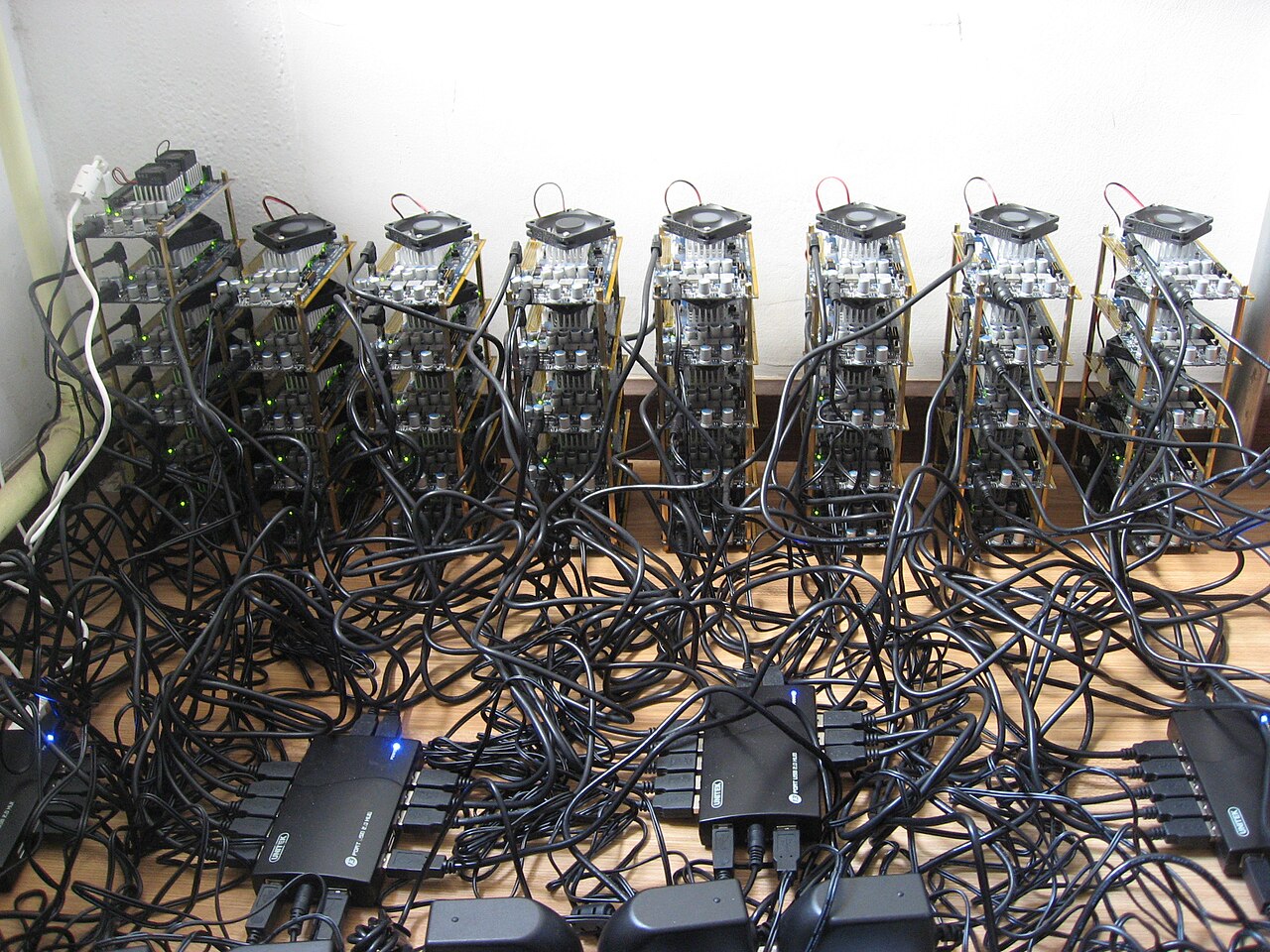
Set up your Basedzilla dashboard
Before you can monitor L2 infrastructure effectively, you need a clean, focused view. Basedzilla prioritizes infrastructure metrics over price speculation, offering a data-driven perspective on Web3 scaling that helps you spot congestion before it impacts your operations. Configuring the initial dashboard ensures you see the right signals without noise.
Track live chain metrics and fees
Understanding real-time data is the difference between a smooth deployment and a failed transaction. You need to interpret gas costs and transaction throughput as they happen, not after the fact. This section breaks down the primary metrics you will see in your monitoring dashboard and how to read them for immediate action.
Read gas fee trends
Gas fees on Layer 2 networks fluctuate based on network congestion. Unlike Ethereum mainnet, L2 fees are generally lower but can spike during high-volume events. Use a technical chart to visualize these trends over time. This helps you identify patterns, such as peak usage hours, allowing you to schedule transactions during cheaper windows. Look for sudden vertical spikes in the chart. These often indicate a popular NFT mint or a DeFi protocol launch. If you see a spike, consider waiting or using a priority fee if the transaction is time-sensitive. The goal is to balance cost against speed based on current network load.
Monitor transaction throughput
Throughput measures how many transactions the network processes per second (TPS). High throughput usually means the network is handling load well, but it can also signal congestion if block times increase. Keep an eye on the block finality time alongside TPS. A high TPS with slow finality suggests the network is struggling to clear the backlog.
Compare L2 performance
Different Layer 2 solutions have distinct performance profiles. Use the table below to compare common metrics. This helps you choose the right network for your specific use case, whether that is high-frequency trading or low-cost data storage.
| Metric | L2 Network A | L2 Network B |
|---|---|---|
| Avg. Gas Fee | $0.01 | $0.05 |
| TPS | 4,000 | 2,000 |
| Finality | 12s | 15m |
| Security Model | Optimistic | ZK-Rollup |
Check token price impact
While Basedzilla focuses on infrastructure, token price can indirectly affect user behavior. A sharp price drop might lead to increased trading volume as users rebalance portfolios, temporarily increasing gas fees. Monitor the token price widget to correlate market moves with network activity.
Analyze validator and node health
You can’t trust a network you can’t see. Before you commit capital or delegate stake, you need to verify that the underlying infrastructure is actually running. This isn’t about guessing; it’s about checking the pulse of the node and the performance of the validator.
Start by confirming the node is in sync. A lagging node misses blocks, which means you miss opportunities and potentially miss slashing conditions. Check the latest block height against the network’s current state. If the gap is widening, the node is unhealthy.
Next, look at the validator’s activity. Are they producing blocks consistently? Are they signing attestations on time? Inconsistencies here are red flags. A validator that frequently goes offline or produces invalid blocks is a liability.
Use official explorer data or your node’s RPC endpoint to pull these numbers. Don’t rely on third-party dashboards that might cache old data. Real-time accuracy is non-negotiable when dealing with high-stakes infrastructure.
If you spot issues, document them. This data is crucial for deciding whether to delegate, restake, or exit. A quick health check now saves you from a costly mistake later.
Spot anomalies and security risks
Once you have your dashboard live, the real work begins: watching for things that look wrong. In L2 infrastructure, "wrong" usually means a spike in gas fees, a sudden drop in sequencer throughput, or an unusual pattern in state root submissions. These signals are your early warning system.
Start by setting up alerts for gas price deviations. A sudden, sustained increase in L2 gas costs often indicates network congestion or a potential congestion attack. Check the official Basedzilla documentation for specific threshold recommendations based on your chain’s typical baseline. If the gas price jumps 200% above the 24-hour average, it’s time to investigate.
Next, monitor sequencer health. The sequencer is the heart of any L2. If you see a gap in block production or a delay in transaction finality, it could signal a sequencer outage or a malicious attempt to reorder transactions. Use the real-time data feeds to track block times. Consistent delays are a red flag.
Finally, watch for state root anomalies. The L2 should periodically post state roots to L1. If you notice a significant delay or a mismatch in the posted data, it could indicate a security breach or a technical failure. Cross-reference these metrics with the official chain explorer to confirm if the issue is widespread or isolated to your node.
Pro Tip: Don’t just watch for spikes; watch for patterns. A single anomalous block might be a glitch, but a series of them suggests a coordinated attack or a systemic bug.
By focusing on these three areas—gas prices, sequencer health, and state roots—you can catch issues before they become critical failures. This proactive approach is essential for maintaining trust and reliability in your L2 infrastructure.
Finalize your monitoring checklist
With your dashboards live and alerts configured, the final step is establishing a repeatable daily routine. Infrastructure monitoring isn't a set-and-forget task; it requires consistent verification to catch anomalies before they impact liquidity or user experience. Use Basedzilla’s real-time analysis tools to validate that your data feeds are accurate and that your nodes are responding within expected latency windows.
Create a simple checklist to run each morning. This ensures you don't miss critical health indicators during the busy hours. Focus on these core metrics:
- Node Sync Status: Confirm all validators are synced and not lagging behind the chain head.
- RPC Endpoint Health: Verify that your primary and backup RPC endpoints are returning valid responses without timeouts.
- Gas Price Trends: Check if gas prices are spiking unexpectedly, which could indicate network congestion or a pending attack.
- Alert Log Review: Scan your alert history for any false positives or ignored warnings from the previous 24 hours.
-
Verify node sync status
-
Check RPC endpoint health
-
Review gas price trends
-
Scan alert logs for anomalies
Treat this checklist as your daily health check. If any item fails, investigate immediately using Basedzilla’s detailed infrastructure reports. Consistent monitoring is the best defense against downtime and ensures your L2 infrastructure remains reliable for your users.
Common basedzilla setup: what to check next
Setting up real-time infrastructure monitoring requires precision. When tracking Web3 scaling metrics, small configuration errors can lead to significant misinterpretations of network health. This section addresses specific queries about dashboard configuration and data interpretation to ensure your infrastructure analysis remains accurate.
No comments yet. Be the first to share your thoughts!